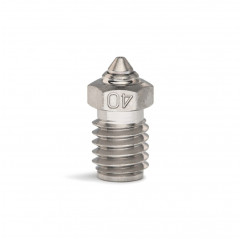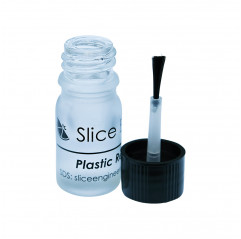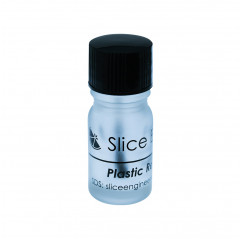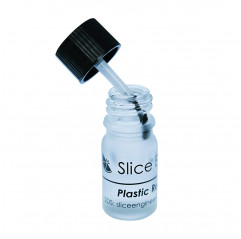
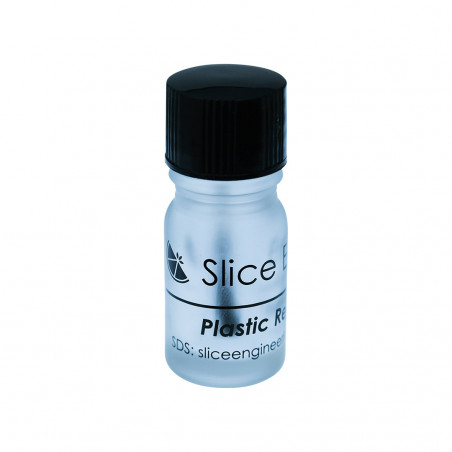
Plastic Repellent Paint™ from Slice Engineering® is the ideal solution for cleaning the nozzles of an FDM 3D printer.
It is a revolutionary water-based PTFE nano-suspension that repels plastic from the outside of the nozzle and heated block. This then prevents the possible buildup of plastic that causes printing errors.
Plastic Repellent Paint™ can be applied in seconds using the top of the vial brush, forming a clear, dry coating that withstands printing temperatures up to 290°C.
Key Features:
Water-based PTFE nano-suspension.
Repels plastic from the outside of the nozzle and heated block
Applies quickly and evenly with the top of the vial brush
Bonds with clean metal surfaces upon first heating to form a clear, dry coating
Withstands printing temperatures up to 290°C
Available in 3 cc or 45 mL sizes
Application Methods:
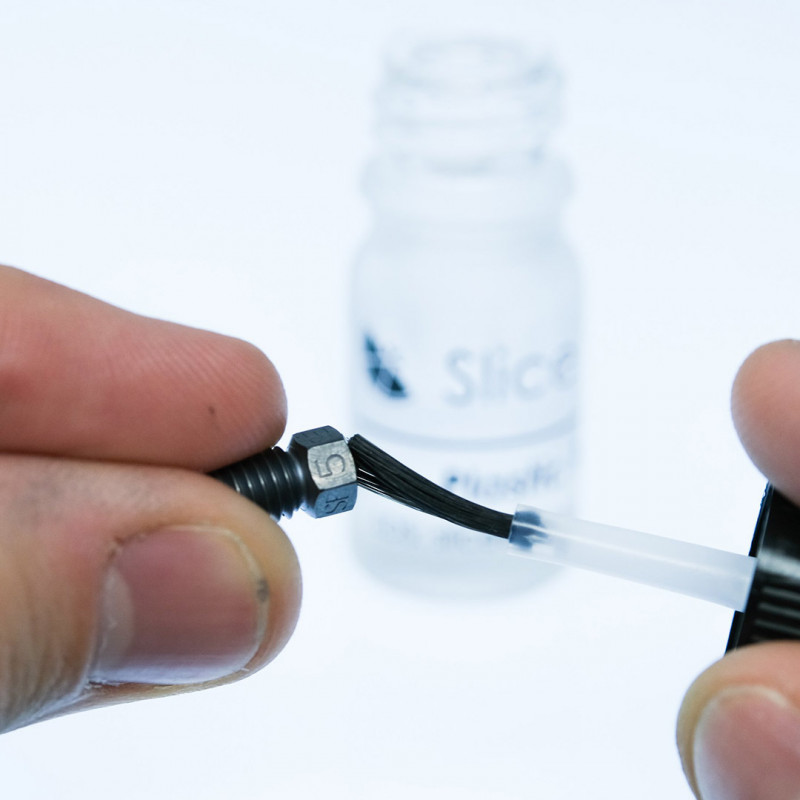
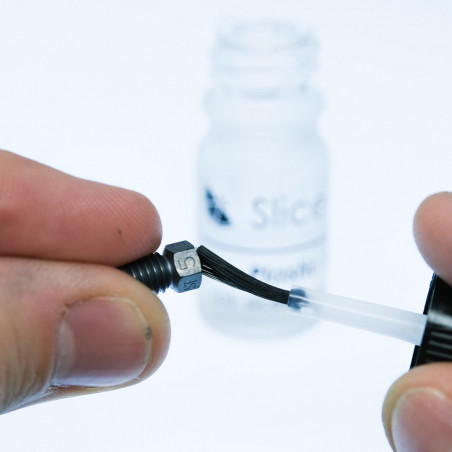
Plastic Repellent Paint™ is super easy to apply. The vial has a brush applicator that is used to paint the nozzle or hot block. Directions for use here:
Open the vial of Plastic Repellent Paint™.
Use the brush applicator in the lid to brush or "paint" a clean nozzle or hot block to which you want to prevent plastic adhesion.
Allow the Plastic Repellent Paint™ to dry for 60 to 90 seconds. It will cure when you heathotend to printing temperatures.
Resume your normal printing routine.
NOTE: Apply Plastic Repellent Paint™ at room temperature. NOT at printing temperatures. Applying Plastic Repellent Paint™ at high temperatures will cause it to vaporize and you will need to reapply it after the surface has cooled.
Package contains: 1 x Plastic Repellent Paint - Slice Engineering

The variant chosen when ordering will be provided.
For more information please contact us. The item you receive may differ in some features from the one depicted in the photo, depending on the production batch. Despite this, functionality is maintained.
Qual è la differenza tra un estrusore Single Drive e uno Dual Drive?
L'estrusore Single Drive utilizza un solo ingranaggio motorizzato e un cuscinetto a pressione. Il sistema Dual Drive utilizza due ingranaggi controrotanti che afferrano il filamento da entrambi i lati, garantendo una forza di spinta doppia e riducendo drasticamente lo slittamento, specialmente con filamenti tecnici o velocità elevate.
Quando dovrei sostituire l'ugello (nozzle)?
L'ugello va sostituito quando si notano problemi di stampa, specialmente superficiali, o se il diametro del foro si è allargato a causa dell'usura (comune con materiali abrasivi). Un ugello in ottone usato con fibra di carbonio può rovinarsi in poche ore di stampa, mentre uno in acciaio temprato può durare mesi.
Perché il mio estrusore scatta (fa rumore di "clic") durante la stampa?
Il rumore di scatto indica che il motore non riesce a spingere il filamento. Le cause, tra le altre, possono essere un ugello parzialmente ostruito, una temperatura di stampa troppo bassa, o una velocità di estrusione eccessiva per le capacità termiche del tuo hotend, un meccanismo non adeguato al tipo di filamento utilizzato.